Take your whole record with you
Your record is yours. You can download all of it in one file. Keep a copy, print it, or give it to another AI assistant.
Open your privacy settings
Tap the button below while you are signed in.
Open Privacy & Account Settings →You did it right if: a page titled “Privacy & Account Settings” opens.
Choose how you want it
Scroll to Take your whole record with you. Download, readable is a file you can read, print or paste into another AI assistant. Download, data (JSON) is for apps that can import it.
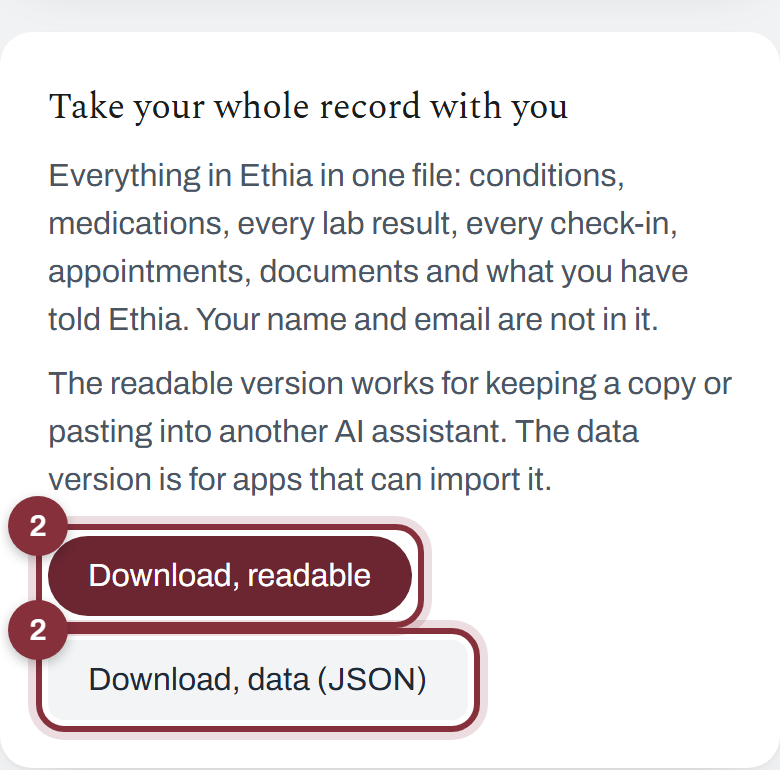
You did it right if: a file downloads. Your name and email are not in it.
Pause Ethia whenever you want
On the same page, Stop Ethia reading my record pauses Ethia. Your record stays exactly as it is and nothing more is sent to the AI service. You can turn it back on any time.
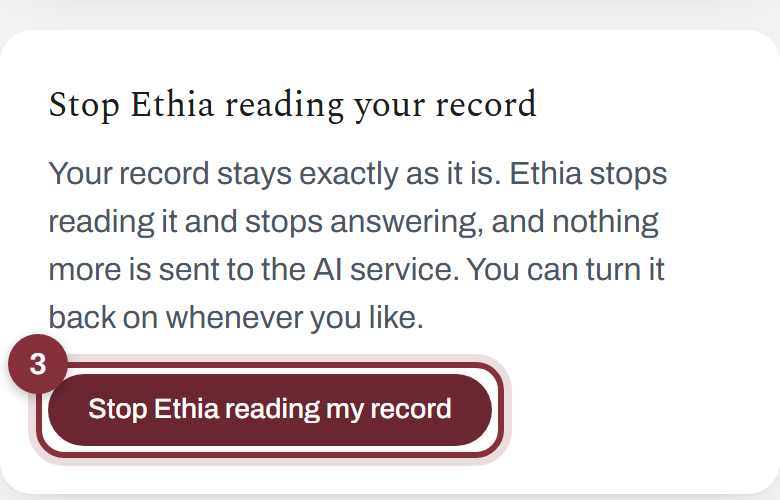
You did it right if: Ethia stops answering until you turn it back on.
What is in the file: your conditions, medications, every lab result, every check-in, appointments, documents and what you have told Ethia.