Send your doctor one page
A short visit goes further when your doctor can see what changed. Ethia builds one page from your record. You choose what is on it and you hand it over yourself.
Open your visit
Tap Care at the bottom of the screen. Find your upcoming appointment and tap Prep report.
Open my visits →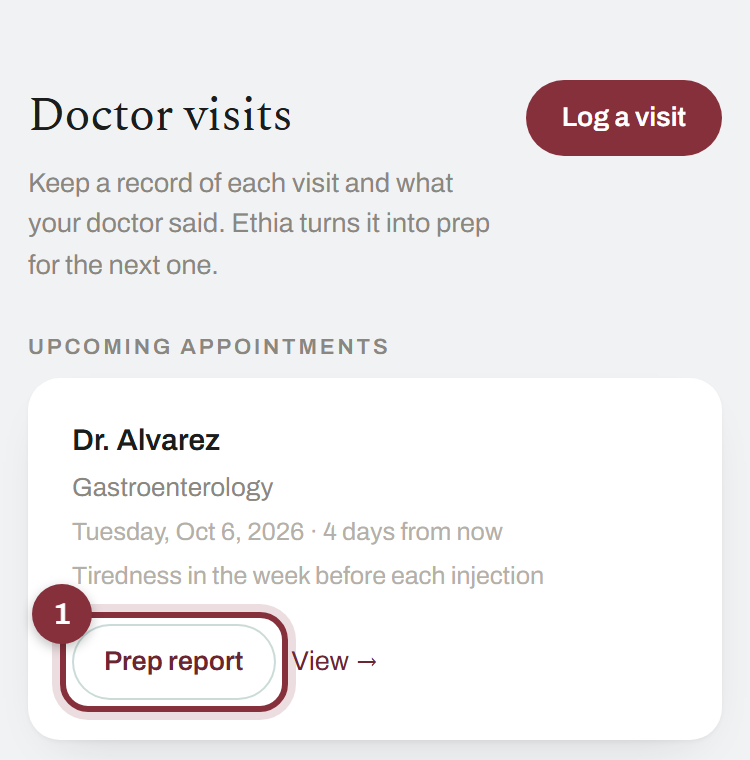
You did it right if: your Visit Prep Brief opens.
Find “Send to my doctor”
Near the top of the brief, tap Choose what to share, then download.
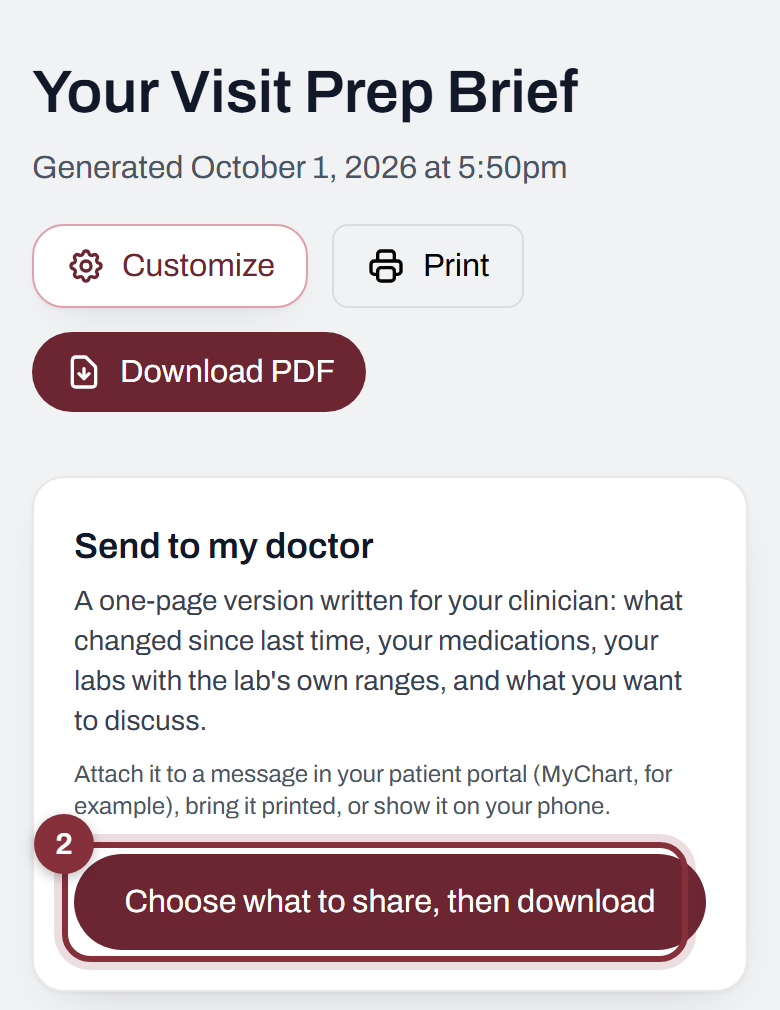
You did it right if: a page called “Send to my doctor” opens.
Say who it is for and choose what they see
Pick your doctor under Who is this for? Then tick what they can see. Tap What’s inside under any line to see exactly what it covers.
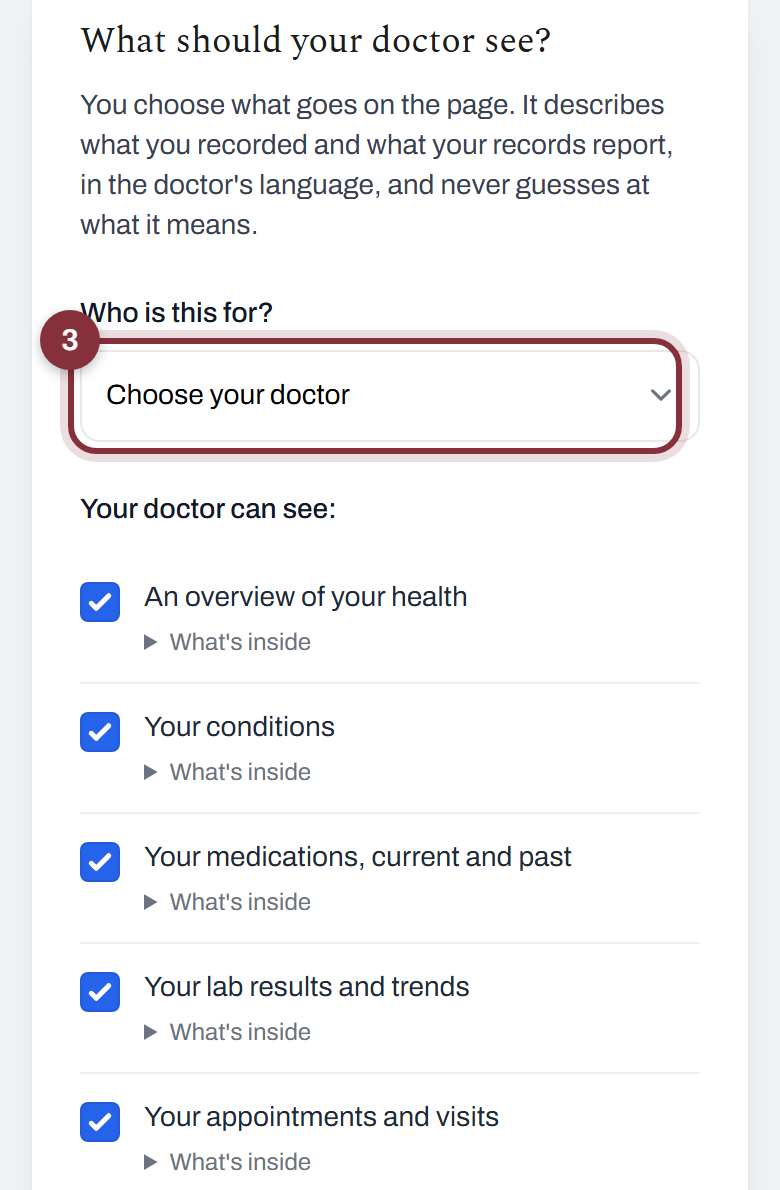
You did it right if: the boxes you want are ticked. Ethia remembers them for this doctor next time.
Download the page
Scroll to the bottom and tap Download the page for my doctor.
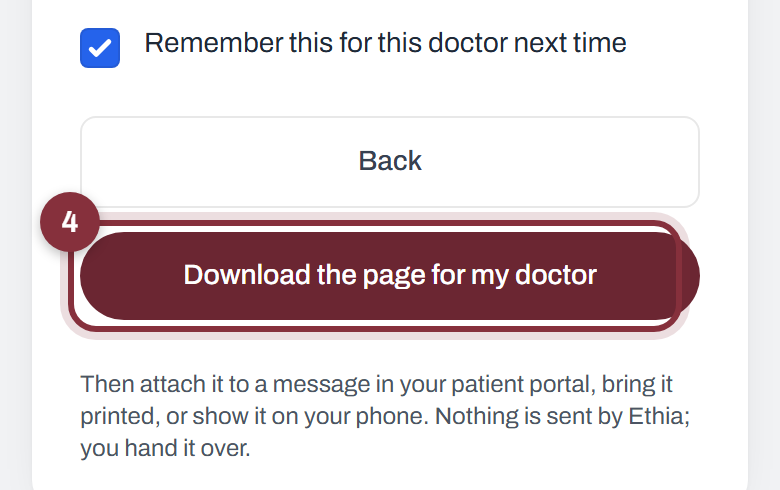
You did it right if: a one-page PDF saves to your phone or computer.
Hand it over
Attach it to a message in your patient portal, print it, or show it on your phone. Ethia never sends it for you.
The page describes what you recorded and what your records say. It carries no name and it does not interpret anything.
No appointment listed? Tap Log a visit on the Care screen first. Stuck? Ask Ethia from the home screen, or email george@ethia.io.